
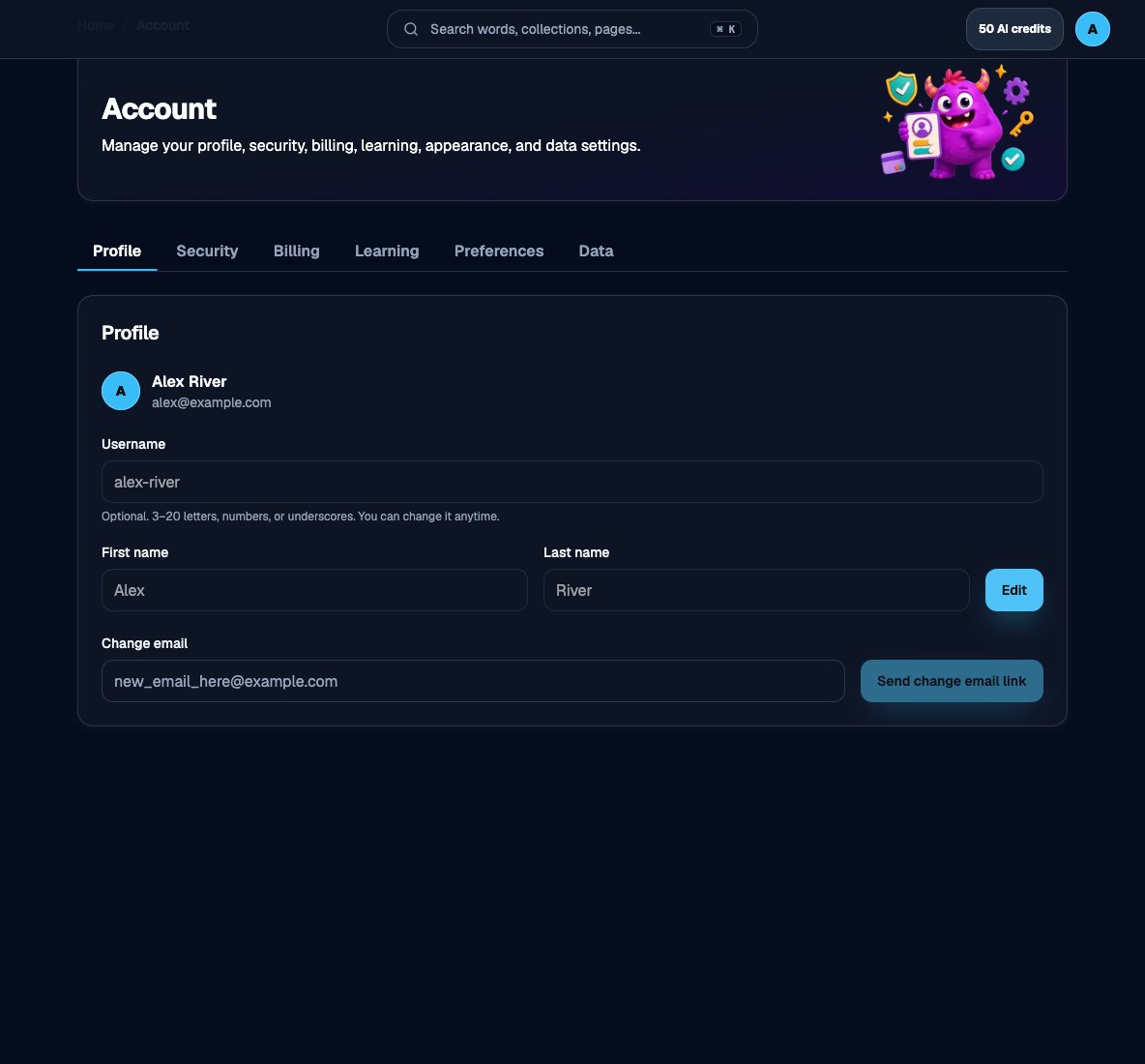
Change email on the Profile tab
1
Open Account → Profile
Sign in and go to Account. Stay on the Profile tab.
2
Enter the new email
In Change email, type the address you want. If the account does not have an email yet, the field is labeled Add email.
3
Send the confirmation
Choose Send change email link (or Send email confirmation when adding an email). Check the new inbox, including spam.
4
Open the confirmation link
Follow the link in the message. The change is not finished until you confirm.
Use the new email to sign in after confirmation. Keep another sign-in method, such as a passkey or Google, until the new address works.Username and name edits are on the same Profile tab. See Your profile.