
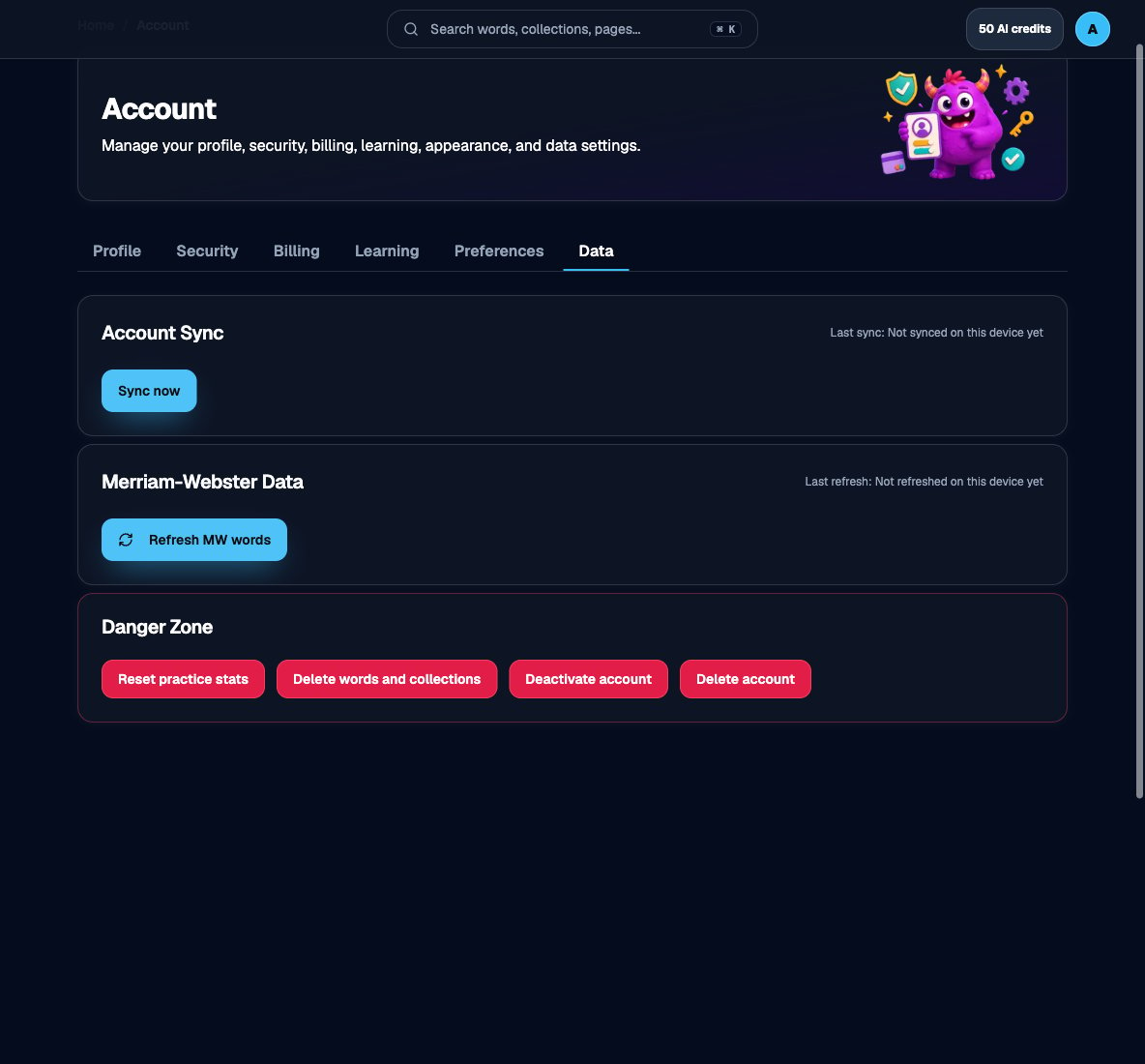
Danger Zone on Account > Data
Deactivate (pause for 30 days)
Use this if you want to step away but might come back.1
Choose Deactivate account
Confirm by typing the requested phrase. You are signed out immediately.
2
What is kept
Your words, collections, and progress are kept for 30 days. Email help@vocabmonster.com within those 30 days to restore the account. After 30 days it is deleted permanently.
3
What happens to a paid plan
A paid plan is cancelled at the end of the current billing period. You are not charged again. If support restores the account within 30 days, you keep the paid days that are left.
Delete permanently
Use this only if you want the account gone.1
Choose Delete account
Read the confirmation. Deletion removes your account, saved words, collections, and progress and cannot be undone.
2
What happens to billing
A paid plan is cancelled immediately. Unused time is not refunded. Vocab Monster confirms the cancellation with Stripe before deleting account data.
3
If deletion fails part-way
You stay signed in. You can safely try again to finish it.
Other Danger Zone actions
- Reset practice stats — Deletes practice history, streaks, and statistics. Words and collections stay.
- Delete words and collections — Permanently deletes saved words, collections, practice history, and stats. Profile, preferences, and billing stay active.
Confirm only if you intend the result. For a billing-only pause, cancel a subscription instead of deleting the account.